Paint.NET icon

Paint.NET

  5.1.12
  • 1
  • 2
  • 3
  • 4
  • 5
  • 6
  • 7
  • 8
  • 9
  • 10
3.5
/ 38 ratings

A photo editor for everyone looking for a simpler version of Photoshop

dotPDN |
updated on March 9, 2026
Download for Windows
When editing photos on your computer, you never know the features you might need, and users often overdo it by using advanced tools such as Adobe Photoshop to perform basic operations such as brightness/contrast adjustments and cropping. A better approach is having a tool that can do both: from simple to complex!

Layers and essential adjustments

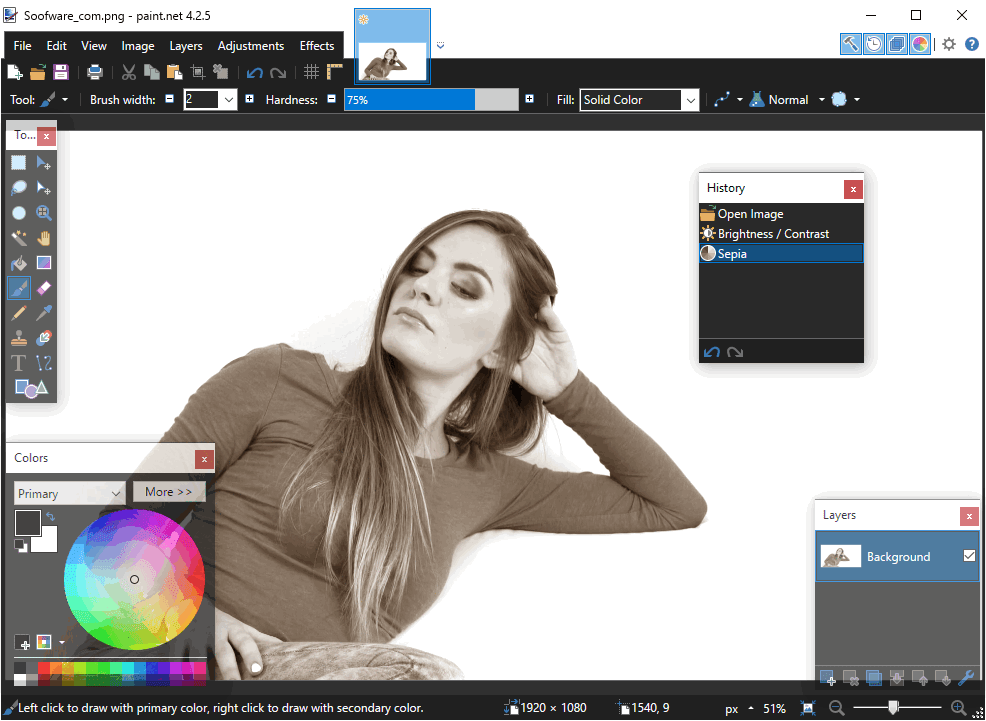
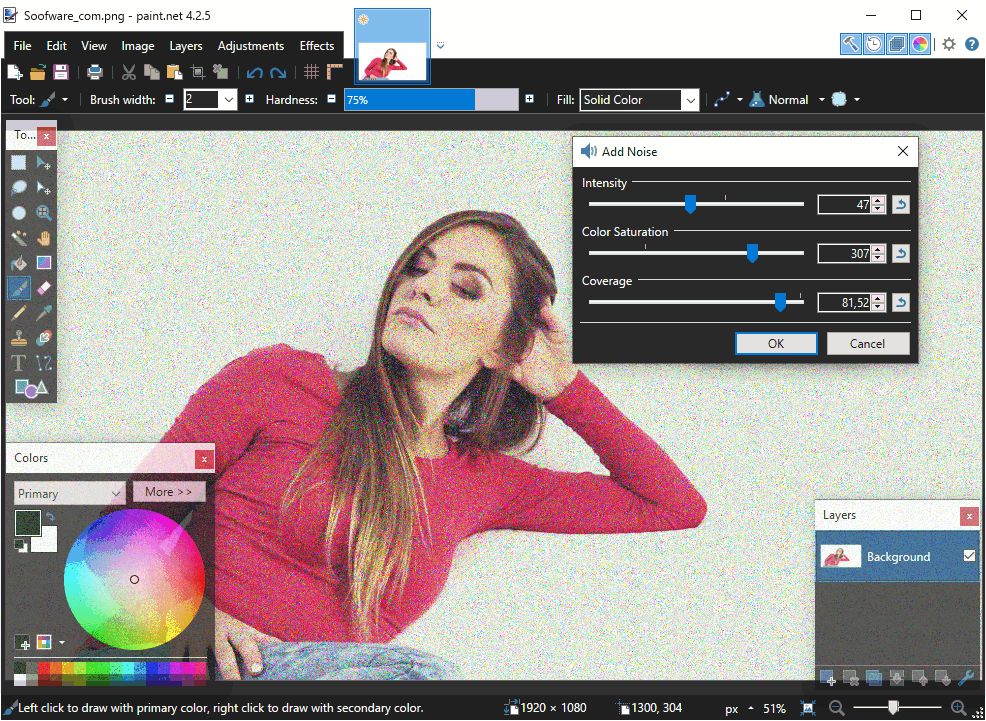
Paint.NET is a good example. The classic desktop tool is available for free. You can choose to donate money on their website or purchase the paid app on the Microsoft Store. Paint.NET supports layers, which can be used to edit the photo by editing parts of it independently. There are also many features you already expect, such as various adjustments (brightness, contrast, hue, curves, saturation, and levels).

Special effects and interface quirks

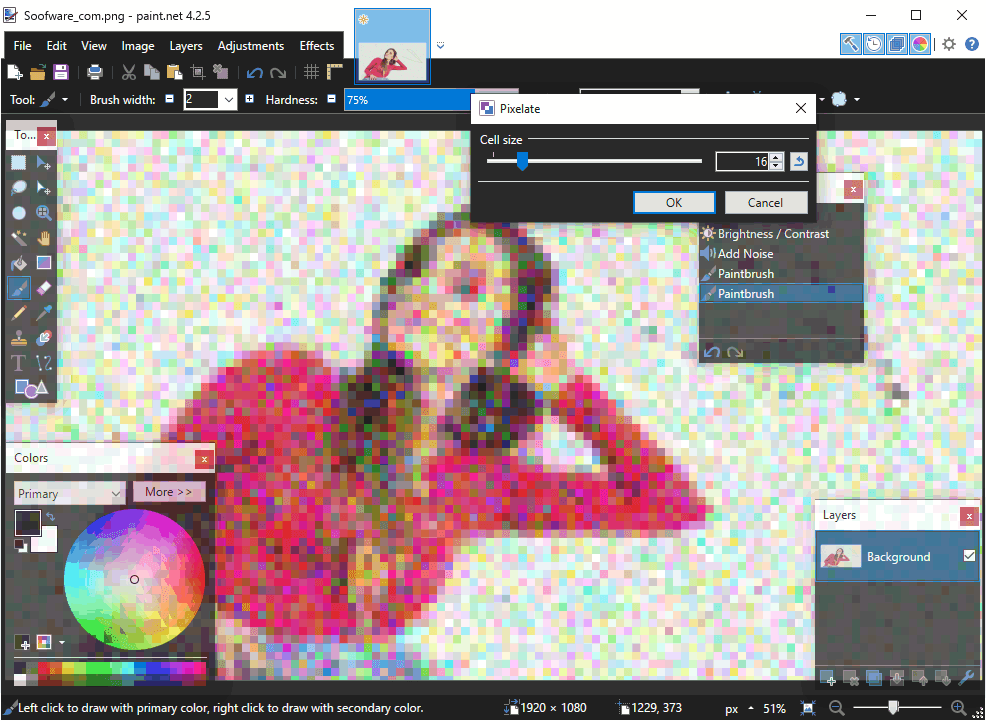
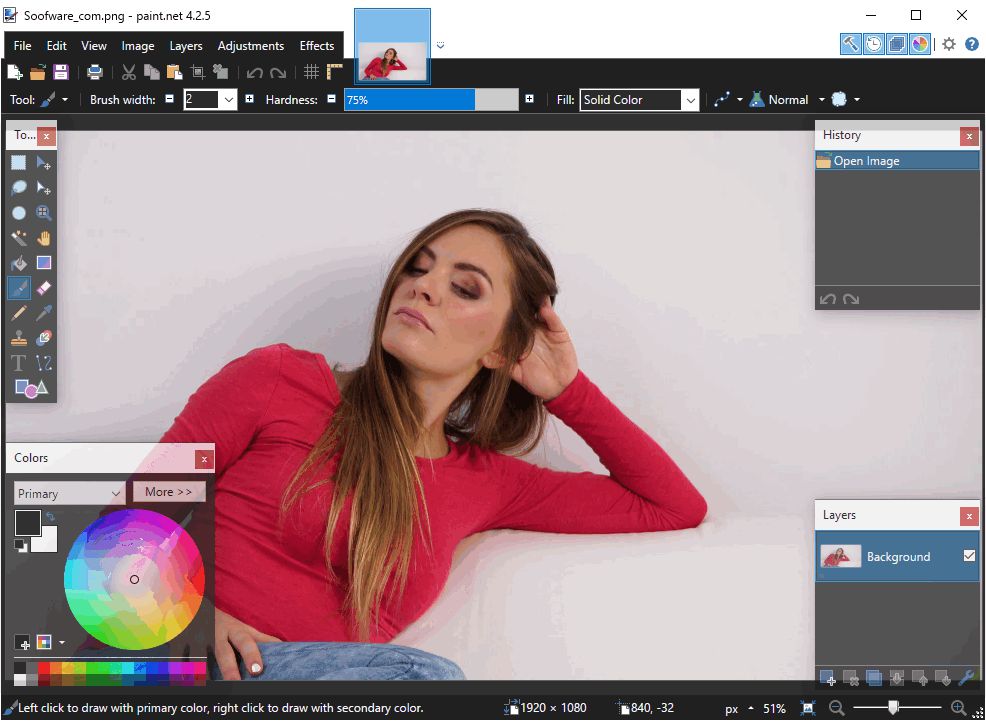
Some special effects include sharpening, distortion, red-eye removal, or blurring the image. For users looking for even more features, you can always download community plugins to expand the software. Its user interface is not so modern. Options such as Colors, History, or Layers appear in independent windows. This is neat since you can move them around easily, but it makes the workspace feel a bit cluttered.

Unlimited history and final thoughts

Paint.NET also remembers all the changes you have made to the image, and you can undo your way back to the beginning if you want! The app is great, but it can't replace Adobe Photoshop for many different purposes. Think of it as a lighter alternative to GIMP for users who prefer the simpler approach!
Vedin Klovo
Vedin Klovo
App tester and reviewer
★★★★★
★★★★★
Editor's pick

Pros

  • A great photo editor available for free
  • Plenty of features to use
  • Implements layers

Cons

  • Can't replace professional programs
  • Its UI doesn't feel modern
LicenseFree
Minimum requirements• Windows 10 (version 1607 "Anniversary Update" or newer) or Windows 8.1 or Windows 7 SP1 with Platform Update
• 1GHz processor (dual-core recommended)
• 1GB of RAM
Previous versions
Operating systemWindows
Supported languagesBelarusian, Chinese Simplified, Chinese Traditional, Czech, Danish, Dutch, English, Finnish,
view more...
French, German, Greek, Hebrew, Hindi, Hungarian, Italian, Japanese, Korean, Lithuanian, Norwegian, Persian, Polish, Portuguese BR, Portuguese PT, Russian, Slovak, Slovenian, Spanish, Swedish, Turkish, Ukrainian
DownloadsTotal: 3911
Last week: 17
Download for Windows